Поспрашивал разные иишки. Все выдали примерно одно и то же
Security Key (U2F or WebAuthn)What it is: A separate, physical hardware token that the user carries with them (e.g., a YubiKey, Google Titan key, or Kensington key).
How it works: The user plugs the key into their computer’s USB port (or taps it via NFC/Bluetooth) and physically touches the gold/silver button on the key to verify their identity.
Built-in AuthenticatorWhat it is: The native security hardware already built into the user's computer or mobile device.
How it works: It uses the device’s local biometric sensors or a local PIN. For Mac users, this is Touch ID or Face ID. For Windows users, this is Windows Hello (fingerprint reader or facial recognition).
В общем разница понятно, но конкретно мой случай меня больше запутал

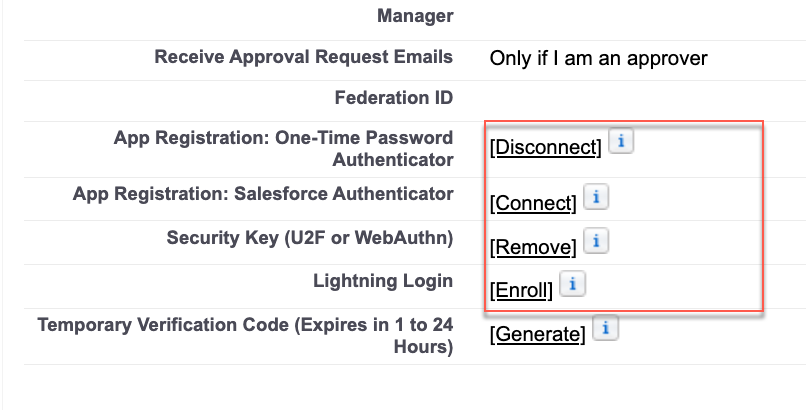
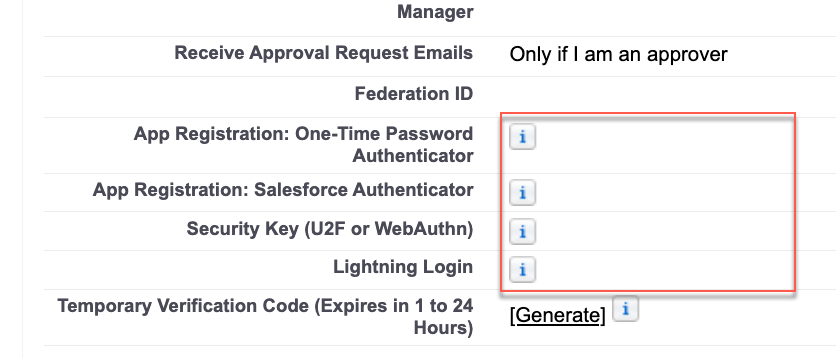
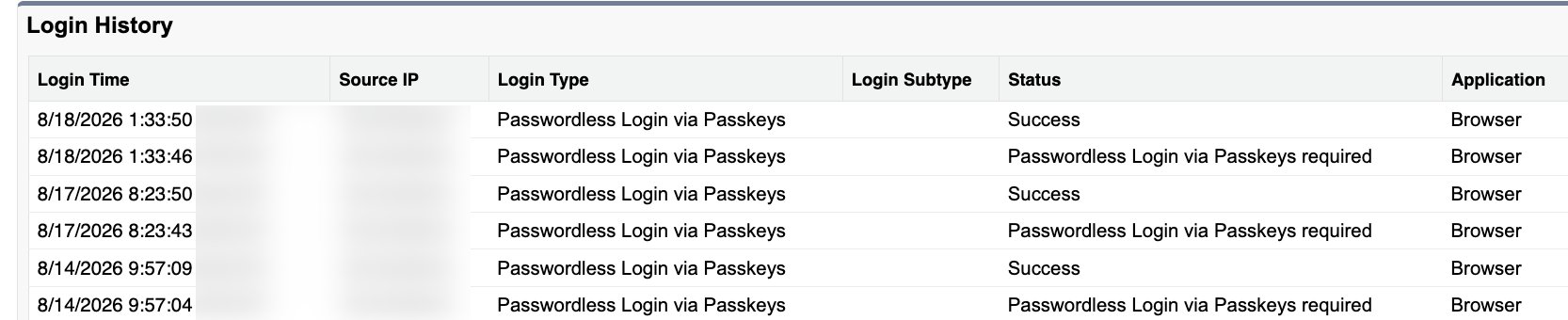
По логике для моего "Security Key (U2F or WebAuthn)" у меня должно быть "physical hardware" устройство. А у меня ничего такого нет. Я просто сканировал QR код телефоном и у меня появился Passkey в Google Password Manager. Дальше только предположение - я залогинен в Хроме на тот же Google акк поэтому мой passkey доступен в Хроме. Через TouchID (отпечаток) я подтверждаю что я это я и Хром связывает это с Passkey привязанными к моему гугл акку. Не знаю правильно это работает или нет, но удобно так как я могу пройти проверку как с помощью TouchID отпечатком, но так же могу выбрать в окне "другой способ" и пройти идентификацию через телефон.
А как вы регистрировали свой Phishing-Resistant Methods?

 UNFreeze
 . Лицензии есть. Просто у меня на сандбоксе я один работаю. Если меня SF блочит (буду так называть Freeze, а то язык сломаешь), то никто не поможет. Нужно просто иметь в запасе еще одного активного админа на сандбоксе для этого случая.
 Надо этому способу логиниться уделить больше внимания.